

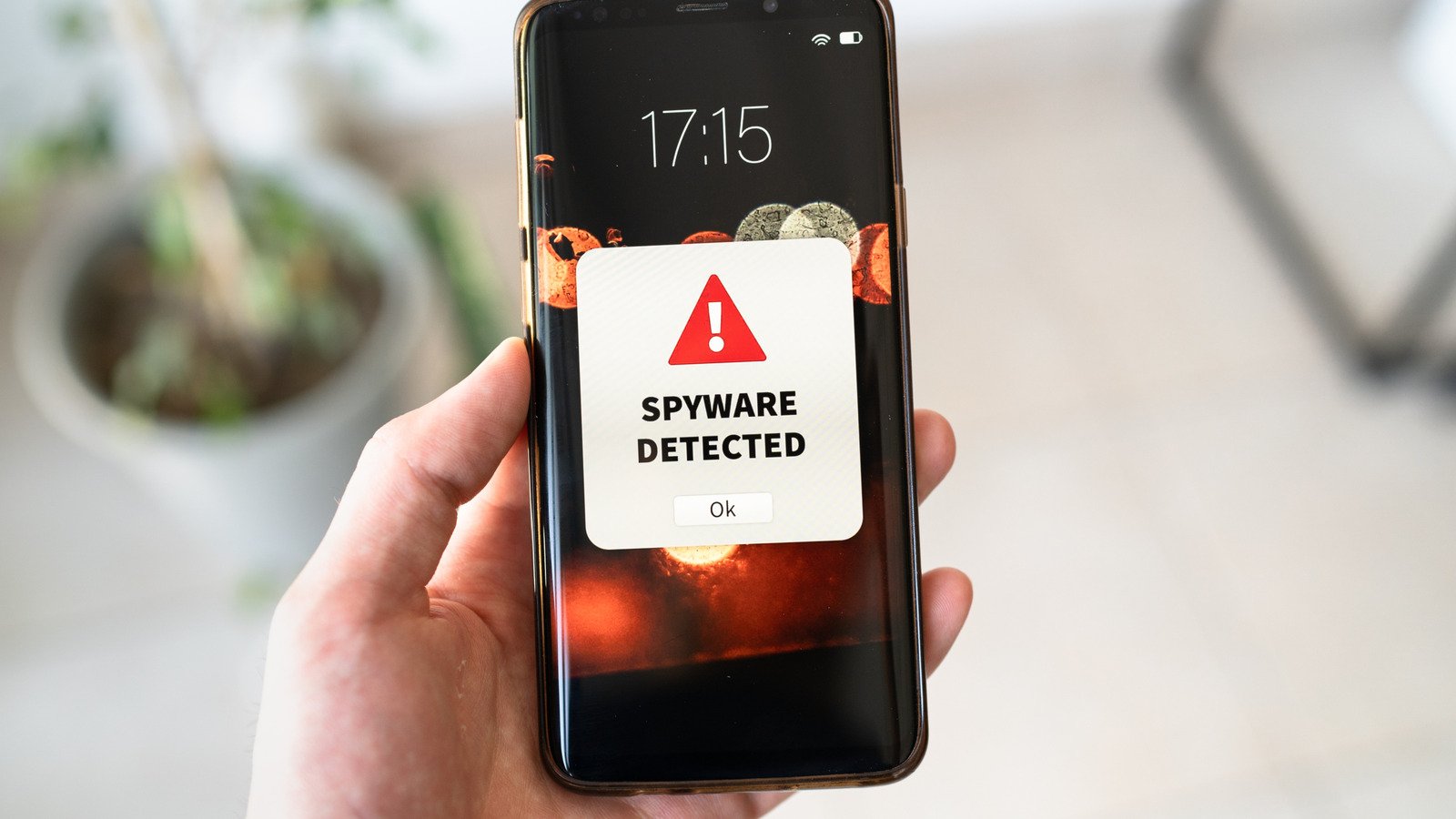
Spyware is one of the nastiest threats your phone can pick up. Unlike a loud, obvious virus, spyware’s whole job is to stay invisible while it watches what you do — reading your messages, tracking your location, logging what you type, and sometimes even switching on your microphone or camera. In 2026, phone spyware has only gotten sneakier, and it often arrives through innocent-looking apps, fake system updates, or links in text messages.
The good news is that most spyware leaves subtle clues behind. You don’t need to be a security expert to spot them — you just need to know what to look for. Here are 10 warning signs that your phone may be compromised, plus exactly what to do about it.
1. Battery Draining Faster Than Ever
If your battery suddenly drops far faster than it used to — with no change in how you use the phone — something may be running constantly in the background. Spyware works around the clock: recording calls, uploading photos, and sending data back to whoever planted it. Check your battery usage screen (Settings > Battery on both Android and iPhone) and look for unfamiliar apps consuming large amounts of power. A spike you can’t explain is one of the most common first clues.
2. Unusual Mobile Data Usage
Spyware has to send stolen data somewhere, and that means uploads — often large ones. If your data usage jumps dramatically even though your habits haven’t changed, check which apps are using the most data. On Android, go to Settings > Network & internet > Data usage; on iPhone, look under Settings > Cellular. An app you barely open that has uploaded gigabytes is a serious red flag.
3. Your Phone Overheats When Idle
Phones get warm during gaming or video calls — that’s normal. But if your phone feels hot while it’s sitting idle on a table, something is working hard in the background. Spyware’s constant recording and uploading can keep your processor busy all the time. Persistent overheating at rest deserves a closer look.
4. Apps You Don’t Remember Installing
Browse your full app list and look for anything you didn’t install yourself. Spyware sometimes disguises itself as “System Update,” “Device Care,” or other official-sounding services. These fake utilities often have bland, generic icons and request sweeping permissions. If you spot an app you can’t explain, don’t open it — research its name first, then remove it.
5. Strange Text Messages or Pop-Ups
Some older spyware variants send commands or receive instructions via hidden SMS messages. If you notice odd texts — strings of numbers and symbols from unknown numbers, or messages that seem to be replies to conversations you never had — spyware could be active. Similarly, pop-ups appearing outside of any app, especially on the lock screen, suggest an unwanted program is running with high privileges.
6. Calls That Sound Wrong
If callers report hearing strange echoes, static, or background noise that wasn’t there before, your calls may be intercepted. Some spyware records calls and routes audio through its own servers, which can degrade call quality. One bad call means nothing — but a pattern across many calls and many contacts is worth investigating.
7. Performance Suddenly Tanks
Spyware consumes CPU, RAM, and storage. If your phone used to run smoothly and now stutters, freezes, or takes forever to open apps — especially right after booting — hidden malware could be hogging resources. Restart your phone and see whether the sluggishness persists in normal use; malware that auto-starts will slow things down immediately.
8. Your Phone Restarts or Shuts Down on Its Own
A phone that randomly reboots, freezes at the lock screen, or shuts down while in use may be dealing with malware conflicts. Spyware that hooks deep into the operating system can destabilize it, causing crashes the manufacturer never intended. If your device’s software is up to date and the random restarts continue, suspect something malicious.
9. Location Settings Changing by Themselves
Spyware’s most valuable trick is tracking where you go. Check whether location services keep turning themselves back on, or whether unknown apps have been granted “Always allow” location permission. On both Android and iPhone, review Settings > Privacy > Location Services regularly. Anything with always-on access that doesn’t obviously need it should lose that permission immediately.
10. Your Contacts Report Weird Messages from You
Some spyware spreads itself by sending infected links to everyone in your contacts. If friends tell you they got strange messages from your number — especially ones containing links you never sent — your device may be compromised and actively trying to infect others. Warn your contacts not to tap those links while you clean up the phone.
How to Remove Spyware from Your Phone
Spotted one or more of these signs? Here’s the cleanup plan:
Step 1: Boot into Safe Mode (Android) or restart (iPhone). Safe Mode disables third-party apps so you can identify and remove the culprit without it fighting back. On Android, hold the power button, then long-press “Power off” until the Safe Mode prompt appears.
Step 2: Delete suspicious apps. Remove anything you don’t recognize or that asks for permissions it doesn’t need. Also revoke excessive permissions from apps you keep.
Step 3: Run a trusted mobile security scan. Reputable free scanners from established security companies can detect known spyware signatures. Install one from the official app store — never from a link in a text message.
Step 4: Update your phone and all apps. Security patches close the holes spyware uses to get in. Install every pending update before doing anything else.
Step 5: If the signs persist, factory reset. A full factory reset wipes everything, including deeply embedded spyware. Back up your photos and important files first, then reset through Settings and restore only apps you trust — never restore from a backup made after the infection started, in case the spyware is hiding in it.
How to Avoid Spyware in the First Place
Prevention beats cleanup every time. Keep these habits:
- Download apps only from the official App Store or Google Play — never from links or third-party sites.
- Read app permissions before installing; a flashlight app doesn’t need your contacts.
- Keep your phone’s software updated — patches close the vulnerabilities spyware exploits.
- Don’t tap links in unexpected texts or emails, even if they look like they’re from your carrier.
- Use a lock screen with a strong passcode or biometrics, and never leave your phone unattended in public.
- Turn on your phone’s built-in security features, like Google Play Protect on Android.
The Bottom Line
Spyware thrives on the fact that most people never look for it. A few minutes of attention to your battery stats, data usage, and app list every now and then is all it takes to catch the most common infections early. Notice something off? Work through the warning signs above, clean up the device, and lock down your habits going forward. Your phone carries your whole life — it’s worth protecting.