

Why Ransomware Is Still Everyone’s Problem in 2026
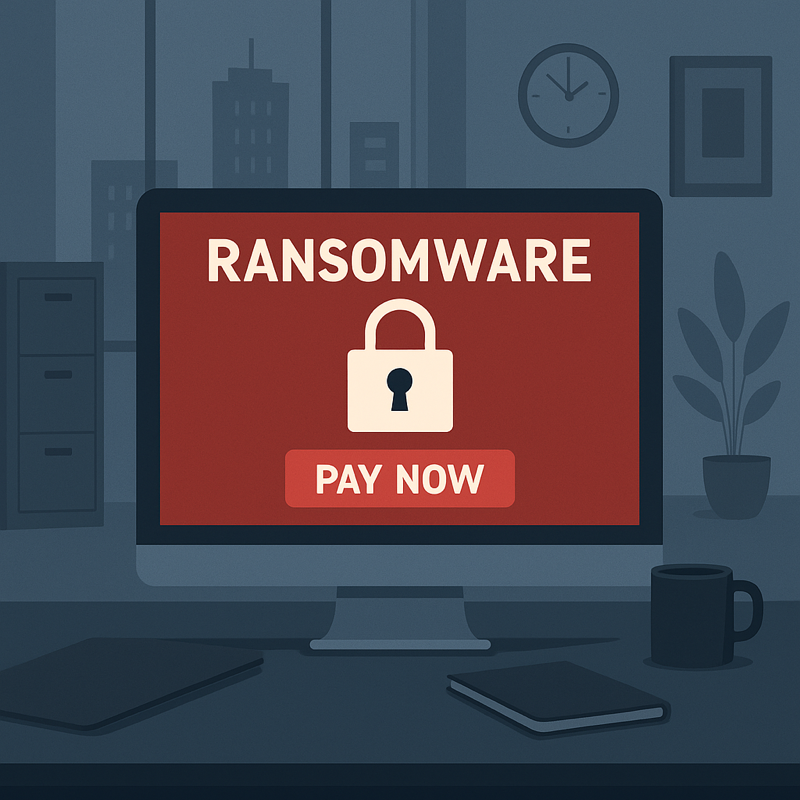
Ransomware is no longer just a headline about hospitals and city governments. In 2026, attacks routinely target home users, freelancers, and small businesses — anyone with photos, documents, or work files worth paying to unlock. The formula is brutal and simple: malware encrypts your files, and criminals demand payment for the key. The good news? Ransomware is almost entirely preventable. Here are 10 essential steps that will protect you before, during, and after an attack.
1. Keep Real Backups — and Keep One Offline
This is the single most important defense. Follow the 3-2-1 rule: three copies of your data, on two different types of media, with one copy offline or off-site. A USB drive you unplug after backing up, or a cloud backup with version history, makes ransomware toothless — if your files get encrypted, you simply wipe and restore. Test your restore process once; a backup you have never tested is just a hope.
2. Update Everything, Promptly
Ransomware gangs exploit known vulnerabilities within days of disclosure. Turn on automatic updates for your operating system, browser, router firmware, and every app you use. Most successful attacks in 2026 still entered through software that was months behind on patches.
3. Use Real Antivirus with Ransomware Protection
Modern security suites include dedicated ransomware shields that watch for mass-encryption behavior and block it before your files are gone. Windows’ built-in Microsoft Defender now includes controlled folder access — turn it on. Free antivirus is far better than nothing, and premium suites add anti-phishing layers too.
4. Treat Every Email Attachment Like a Trap
Phishing email remains the number-one delivery method. Never open attachments or click links in unexpected emails, even from people you know — check with the sender through another channel first. Be especially suspicious of “invoice,” “delivery failed,” and “password reset” messages with Office documents or ZIP files attached.
5. Disable Macros and Be Careful with Office Files
A huge share of ransomware arrives inside Word and Excel files that beg you to “Enable Content” or “Enable Macros.” Legitimate documents almost never need macros. Keep macros disabled by default in Microsoft Office, and if a file insists on enabling them, delete it.
6. Turn Off Remote Desktop (RDP) If You Do Not Need It
Exposed Remote Desktop is the favorite doorway for ransomware crews targeting small businesses. If you do not actively use RDP, disable it in your system settings. If you must use it, put it behind a VPN, use a non-standard port, enforce strong passwords, and enable account lockout after failed logins.
7. Use Strong, Unique Passwords Plus Two-Factor Authentication
Credential theft fuels a large fraction of intrusions. A password manager plus two-factor authentication on email, cloud storage, and remote-access accounts shuts down the easiest attack paths. Never reuse your email password anywhere else — your email is the master key to every account you own.
8. Segment Your Network at Home and Work
Put smart-home gadgets, guest devices, and work computers on separate Wi-Fi networks or VLANs if your router supports it. Ransomware spreads laterally — jumping from one infected device to every machine on the same network. Segmentation turns one compromised device into a contained problem instead of a catastrophe.
9. Have a Written Response Plan Before You Need It
Decide now, while calm, what you will do: disconnect the device from the network immediately, do NOT pay the ransom unless there is truly no alternative (payment funds crime and often does not recover your files), photograph the ransom note, and report the attack to your national cyber-crime authority. For businesses, add your IT contact and backup-restoration steps to a one-page plan everyone can find.
10. Limit Admin Rights and Audit Your Software
Use a standard (non-admin) account for daily work — ransomware running without admin rights does far less damage. Uninstall software you do not use, remove old browser extensions, and review which apps have permission to access your files. Every unused program is an unlocked door you forgot about.
The Bottom Line
Ransomware wins when victims have no backups, no updates, and no plan. Flip that script and the attack collapses: offline backups make the ransom pointless, updates close the doors, and a calm response plan keeps panic from making things worse. Spend an hour on these 10 steps this week — it is the cheapest insurance your digital life will ever have.