

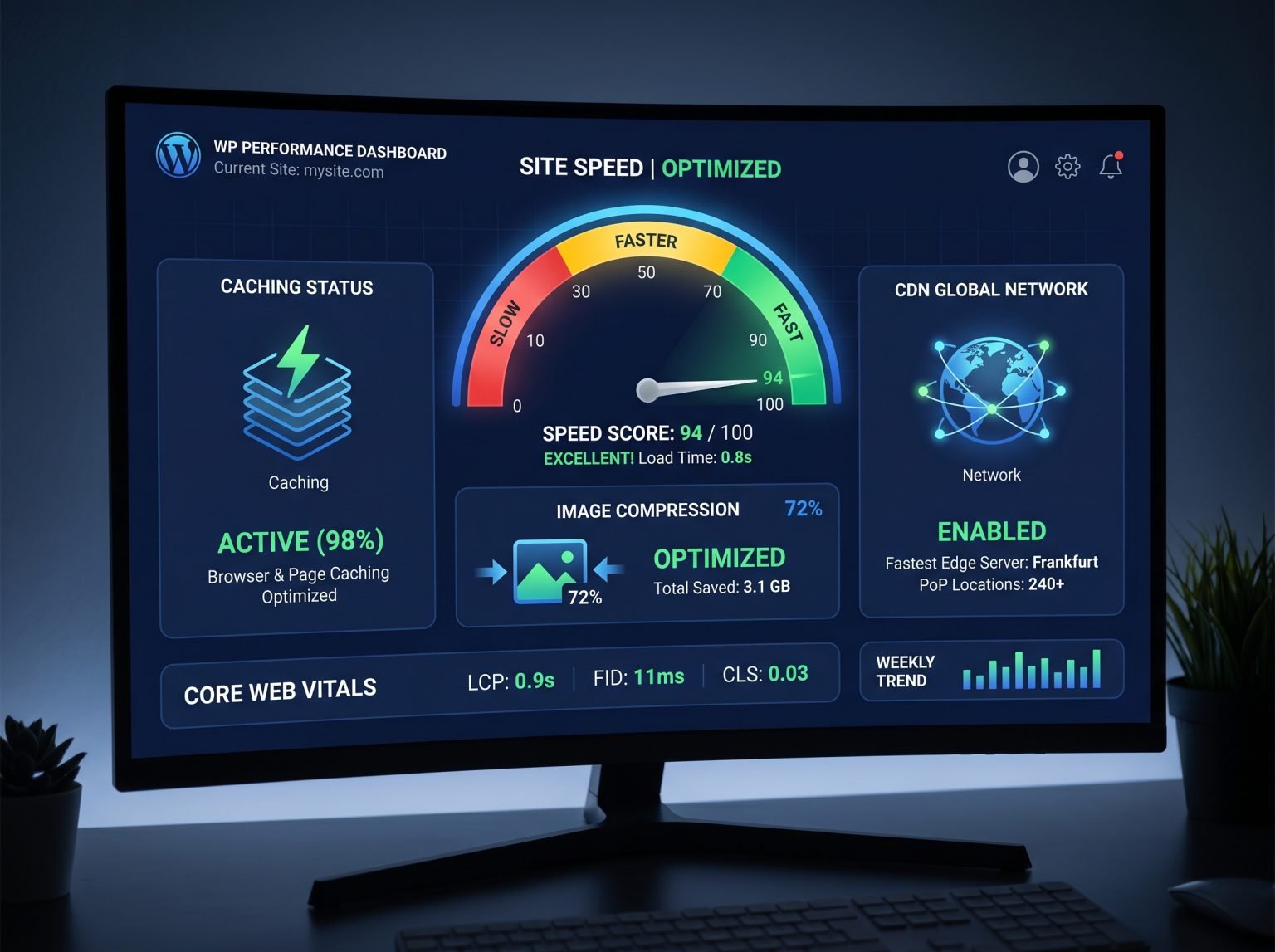
A slow website is one of the fastest ways to lose visitors. Most people abandon a page if it takes more than three seconds to load — and Google treats page speed as a ranking factor, so a sluggish site also hurts your search visibility. The good news: you don’t need to be a developer to fix it. Here are ten proven techniques that work right now.
1. Start With Fast Hosting
Your hosting provider is the foundation of your site’s speed. Cheap shared hosting often crams hundreds of sites onto one server, which means slow response times during traffic spikes. If your site feels slow no matter what you tweak, the host is usually the culprit. Look for managed WordPress hosting or a VPS with SSD storage, and choose a server location close to your main audience.
2. Use a Lightweight Theme
Bloated multipurpose themes loaded with animations, sliders, and page-builder widgets can add seconds to your load time. Lightweight themes like Astra, GeneratePress, or Kadence load far faster out of the box. If you love your current theme, at least disable the demo features and add-ons you never use.
3. Install a Caching Plugin
Caching is the single biggest win for most WordPress sites. A caching plugin creates ready-made static HTML versions of your pages, so visitors don’t wait while WordPress rebuilds every page from the database. Popular options include WP Rocket, LiteSpeed Cache (free, excellent if your host uses LiteSpeed servers), and W3 Total Cache.
4. Optimize Every Image
Images are usually the heaviest part of a page. Before uploading, compress them with a tool like ShortPixel or Imagify, serve them in the modern WebP format, and resize them to the actual display size.
5. Enable Lazy Loading
Lazy loading delays offscreen images and videos until the visitor scrolls near them, so the visible part of the page loads instantly. WordPress has enabled this by default since version 5.5.
6. Minify CSS, JavaScript, and HTML
Minification strips whitespace and comments from code files, making them smaller. Most caching plugins can do this with one toggle — just test your site afterward.
7. Use a CDN
A CDN stores copies of your static files on servers around the world and serves each visitor from the nearest location. Cloudflare’s free plan is enough for most blogs.
8. Audit Your Plugins
Every active plugin adds code WordPress must load. Deactivate and delete anything you don’t use, and keep everything updated.
9. Clean and Optimize Your Database
Over time your database fills with post revisions, trashed items, and spam. A plugin like WP-Optimize can safely clean this clutter on a schedule.
10. Run the Latest PHP Version
PHP 8.x is dramatically faster than older 7.x versions. Most good hosts let you switch PHP versions from the control panel with one click.
Final Thoughts
You don’t have to do all ten today. Start with the big three — better hosting, caching, and image optimization. Test your speed with Google PageSpeed Insights or GTmetrix before and after to measure each improvement.