

Wi-Fi 7, technically known as IEEE 802.11be, brings three headline improvements over Wi-Fi 6E: wider channels (up to 320 MHz), a higher modulation scheme (4096-QAM), and Multi-Link Operation (MLO), which lets a device use multiple frequency bands at once. In lab conditions, that translates to theoretical speeds of up to 46 Gbps — roughly four times the peak of Wi-Fi 6.
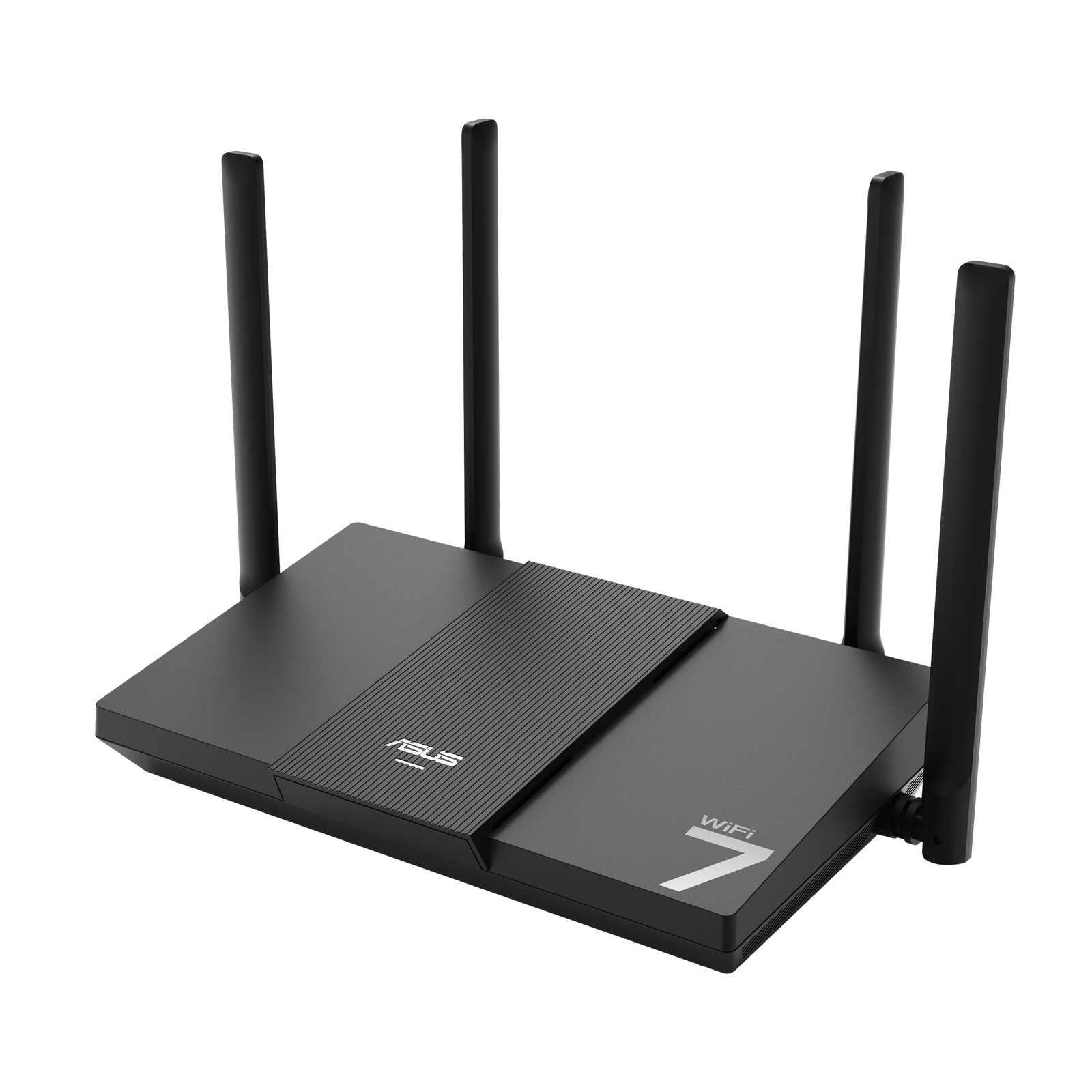
In practice, you will never see 46 Gbps. Real-world speeds depend on your internet plan, your devices, and your walls. But the structural improvements are real: MLO reduces latency and makes connections more resilient, wider channels move data faster when the spectrum is clean, and denser modulation squeezes more out of every transmission. For a home with dozens of connected devices — phones, laptops, smart TVs, game consoles, and a growing army of smart-home gadgets — those improvements add up.
Wi-Fi 6E vs Wi-Fi 7: Head to Head
Wi-Fi 6E was the first standard to open up the 6 GHz band, giving devices a fresh lane of spectrum free from legacy congestion. Wi-Fi 7 builds on that foundation. Here’s how they compare in the areas that matter:
Speed. A good Wi-Fi 6E router can push real-world throughput of 1–2 Gbps to a capable client device. Wi-Fi 7 pushes that to 2–5 Gbps in the same conditions. The gap is significant — but only matters if your internet plan and devices can keep up.
Latency. This is where Wi-Fi 7 shines. MLO allows devices to hop between bands seamlessly, cutting latency for gaming, video calls, and streaming. Competitive gamers and anyone on frequent video conferences will notice the difference.
Device capacity. Wi-Fi 7 handles congested networks better, making it a smart pick for large households where twenty or thirty devices compete for airtime.
Compatibility. Both standards are fully backward compatible. Your older phones and laptops will work on a Wi-Fi 7 router; they just won’t use the new features.
The Real Question: What Are Your Devices?
A Wi-Fi 7 router only reaches its potential with Wi-Fi 7 clients. As of 2026, flagship phones, newer laptops, and high-end gaming devices commonly ship with Wi-Fi 7 radios — but plenty of perfectly good devices still run Wi-Fi 6 or 6E. Before buying, check the specs of the devices you actually use most. If your phone, laptop, and console all support Wi-Fi 7, an upgrade makes sense. If only one device does, you’re paying a premium for features that sit idle.
Also check your internet plan. There is no point buying a router that can deliver 5 Gbps wirelessly if your ISP gives you 300 Mbps. Wi-Fi 7’s benefits beyond raw speed — lower latency, better multi-device handling — still apply, but the headline speed gains require a multi-gigabit connection.
Pricing and Value in 2026
Early Wi-Fi 7 routers carried painful price tags, but the market has matured. Solid mid-range Wi-Fi 7 routers now sit in the same price bracket that premium Wi-Fi 6E models occupied a year or two ago. Budget Wi-Fi 7 options have also appeared, though they often cut features like 320 MHz channels or full MLO support — which undermines the reason to upgrade.
Our rule of thumb: if a quality Wi-Fi 7 router costs within 20–30% of a comparable Wi-Fi 6E model, buy the Wi-Fi 7 one. You’re future-proofing for devices you’ll own over the next three to four years. If the premium is larger, a good Wi-Fi 6E router remains excellent value in 2026.
Who Should Upgrade Now — and Who Should Wait
Upgrade now if: you have a multi-gigabit internet plan, most of your devices support Wi-Fi 7, you game competitively or make heavy video calls, or your current router is aging out (dropping connections, struggling with many devices).
Wait if: your current router is a solid Wi-Fi 6 or 6E model that works reliably, your internet plan is under 500 Mbps, or most of your devices are older. There’s no shame in waiting another year — prices will keep falling.
How to Get the Most From Either Standard
Whichever router you run, placement matters more than specs. Put it centrally, elevated, and away from thick walls and metal. Use the 6 GHz band for stationary devices like workstations and consoles that need speed, and let mobile devices roam across bands. Keep firmware updated — manufacturers continually improve MLO behavior and stability through software. And if your home is large, consider whether you need a mesh system rather than a single powerful router; one strong radio can’t fix dead zones.
Conclusion
Wi-Fi 7 is a genuine leap forward, not a marketing trick — lower latency, higher throughput, and smarter handling of crowded networks are all real. But it’s only worth the money when your internet plan, your devices, and your usage can take advantage of it. For most homes in 2026, the smartest buy is simple: if you’re replacing an old router anyway, go Wi-Fi 7; if your current setup works, save your money and upgrade when your devices catch up.